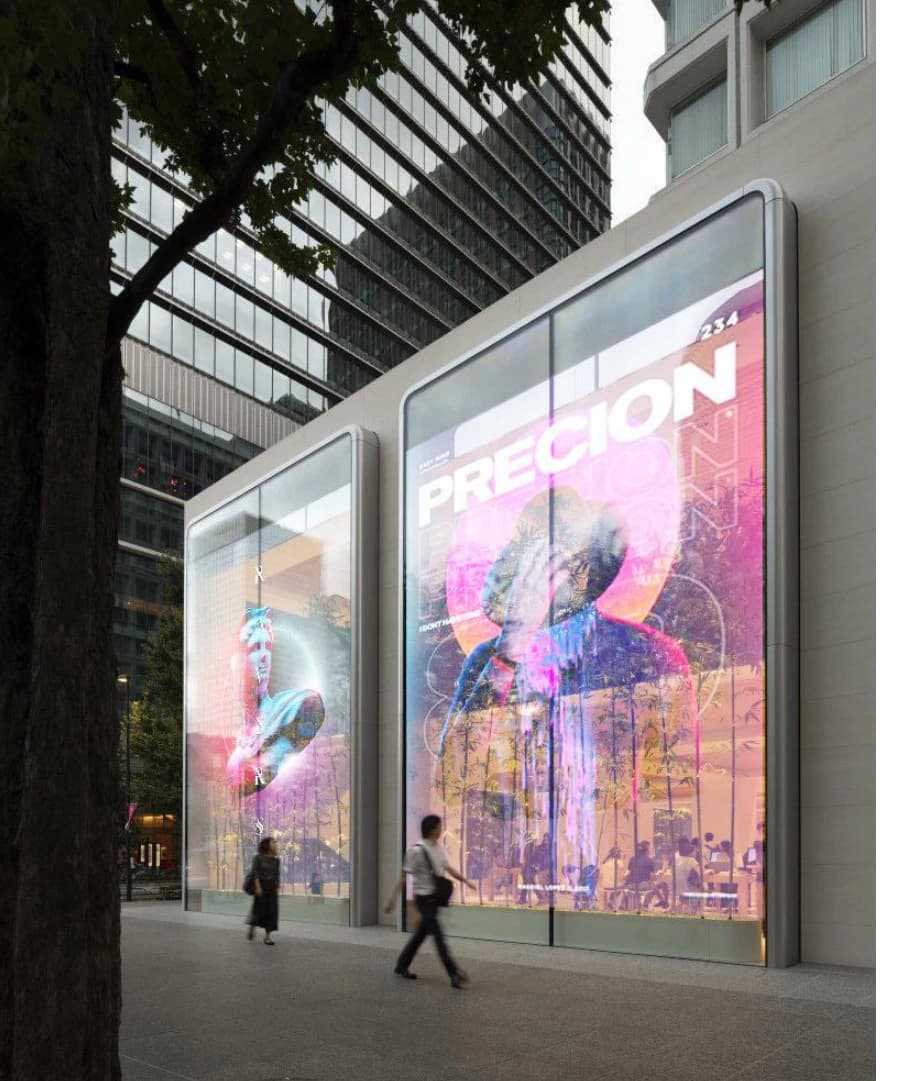
01 / Project site
Present the content
Match displays and exhibit content to the space.
View the application ↗Exhibition projects · Exhibit designers · Venue operators
Let the displays follow the story you are telling.
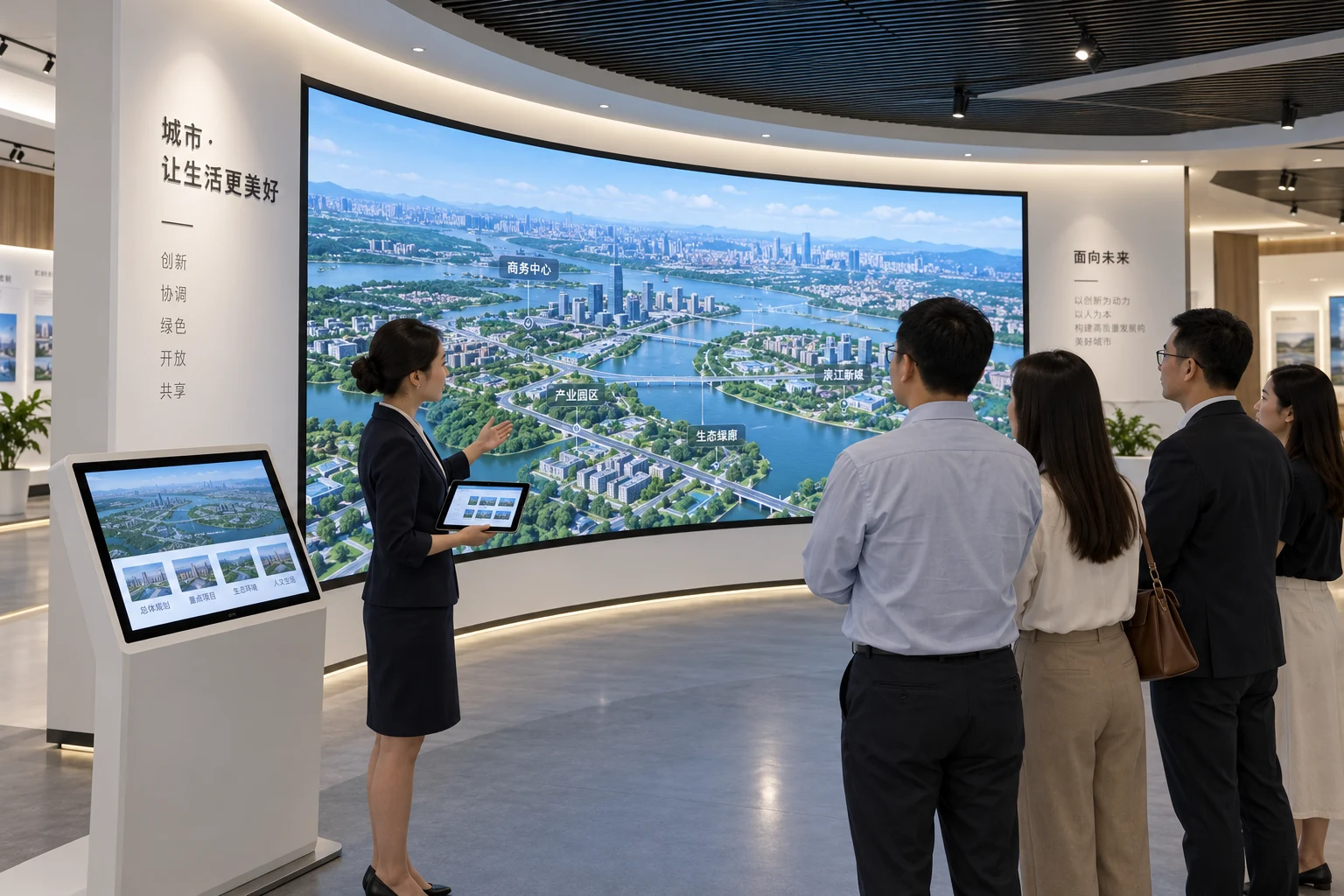
Match displays and exhibit content to the space.
View the application ↗Create touch and multimedia interactions for specific exhibits.
View the application ↗Use a tablet to organize exhibits, content, volume and scenes.
View the application ↗
Run the visit from one tablet.
Explore products
Put answers at your visitors' fingertips.
Explore products
Make your message visible from a distance.
Explore products
Digital content. A clear view beyond.
Explore products
Manage every screen from one platform.
Explore products
Content that fits your display, brand and space.
Explore products
Clear communication, in the room and beyond.
Explore productsConfigure displays, content and control around exhibits, visitor routes and site conditions.
Review player, screen, audio and lighting interfaces to identify which exhibits can be connected.
ZUAD / Project support
Start with existing equipment, daily workflows and the functions you want to achieve.