
01 / System screen
Book a room first
Check available times and book within your permissions.
View the application ↗Administration · IT · Meeting-room projects
Book the room, check the door display and record attendance.
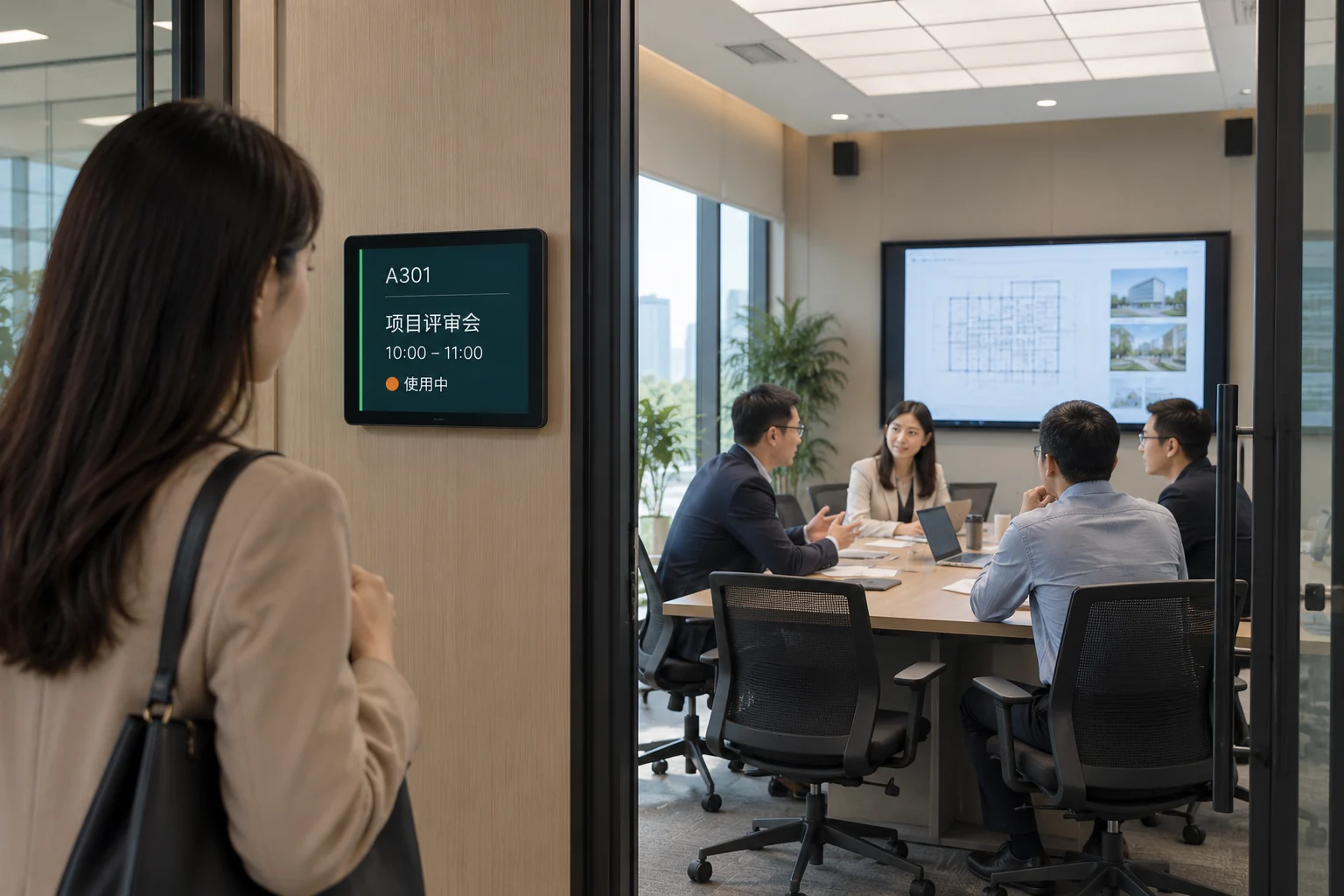
Check available times and book within your permissions.
View the application ↗The meeting name and room status are visible before you enter.
View the application ↗Configure booking, check-in and audiovisual equipment for the project.
View the application ↗
Keep bookings and room status in sync.
Explore products
See room availability at a glance.
Explore products
Walk in naturally. See who has arrived.
Explore products
Clear communication, in the room and beyond.
Explore products
Keep documents in step with the meeting.
Explore products
Booking and status displays for 29 rooms, helping staff find rooms and administrators manage unused reservations.
Explore the project ↗
Meeting booking linked to international Outlook, with attendance and access, meeting audio, announcements and signage.
Explore the project ↗
Manage meeting permissions and room equipment together, using occupancy sensing for agreed on/off strategies.
Explore the project ↗A delivered project connects booking with international Outlook. Other versions and interfaces require an environment review.
Configure rooms, access rights and equipment; adapt booking rules to the site.
ZUAD / Project support
Start with existing equipment, daily workflows and the functions you want to achieve.
