 01
01Company server / virtual server
Host the management software and desk booking data.
Smart desk booking
Book on your phone. See desk status. Review how space is used.
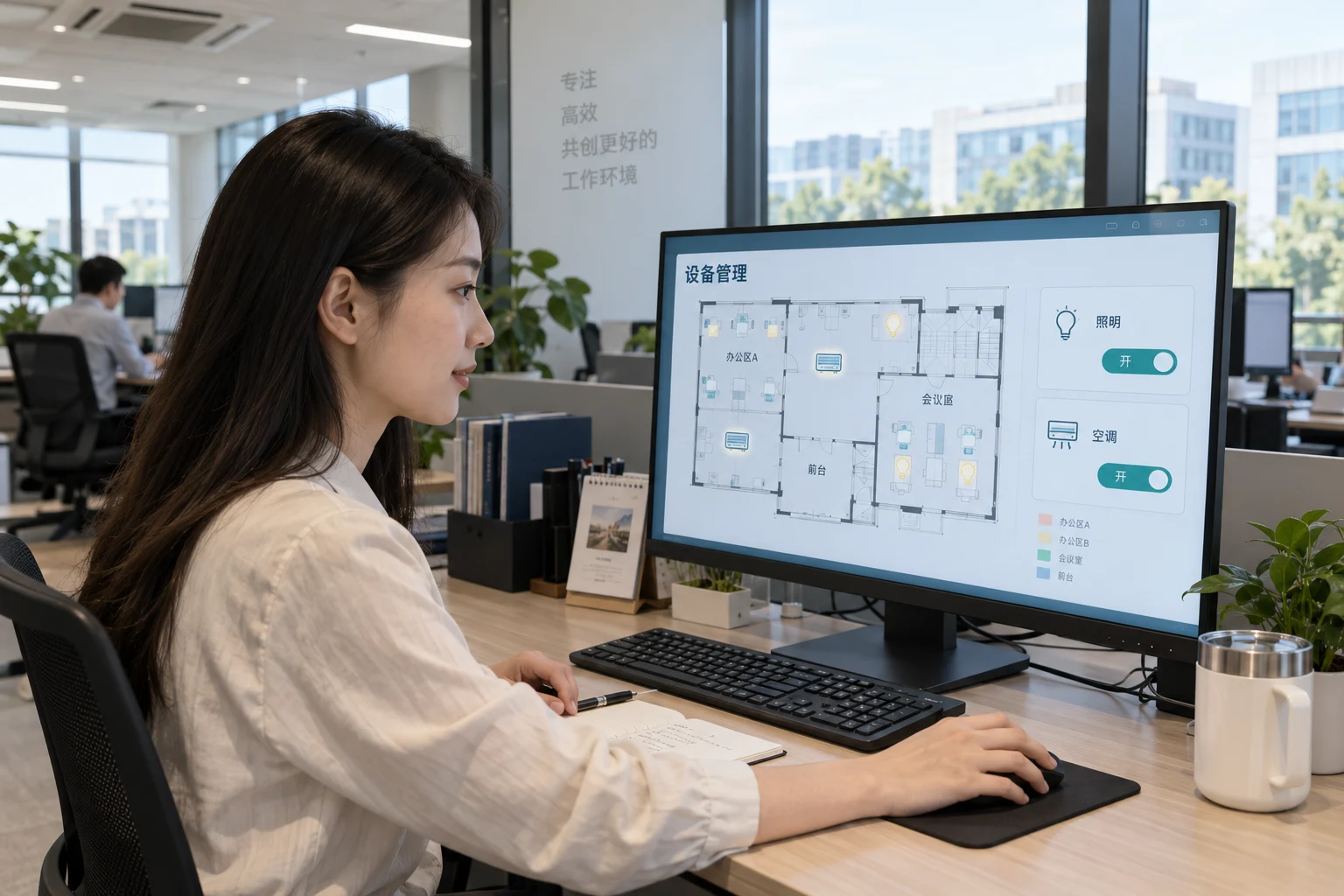
System interface
Browse dates and areas on a floor map to find a bookable desk.
Optional occupancy sensors work with no-show deadlines and release rules to free unused reservations.
Occupancy sensing detects a person at a desk, not the booking holder’s identity. Release deadlines are configurable.
01Host the management software and desk booking data.
 02
02Connect the server and wireless gateways within your site network.
 03
03Match the selected device protocol and coverage. 2.4G does not mean standard Wi-Fi.
Desk inventory, area rules, map booking and reports.
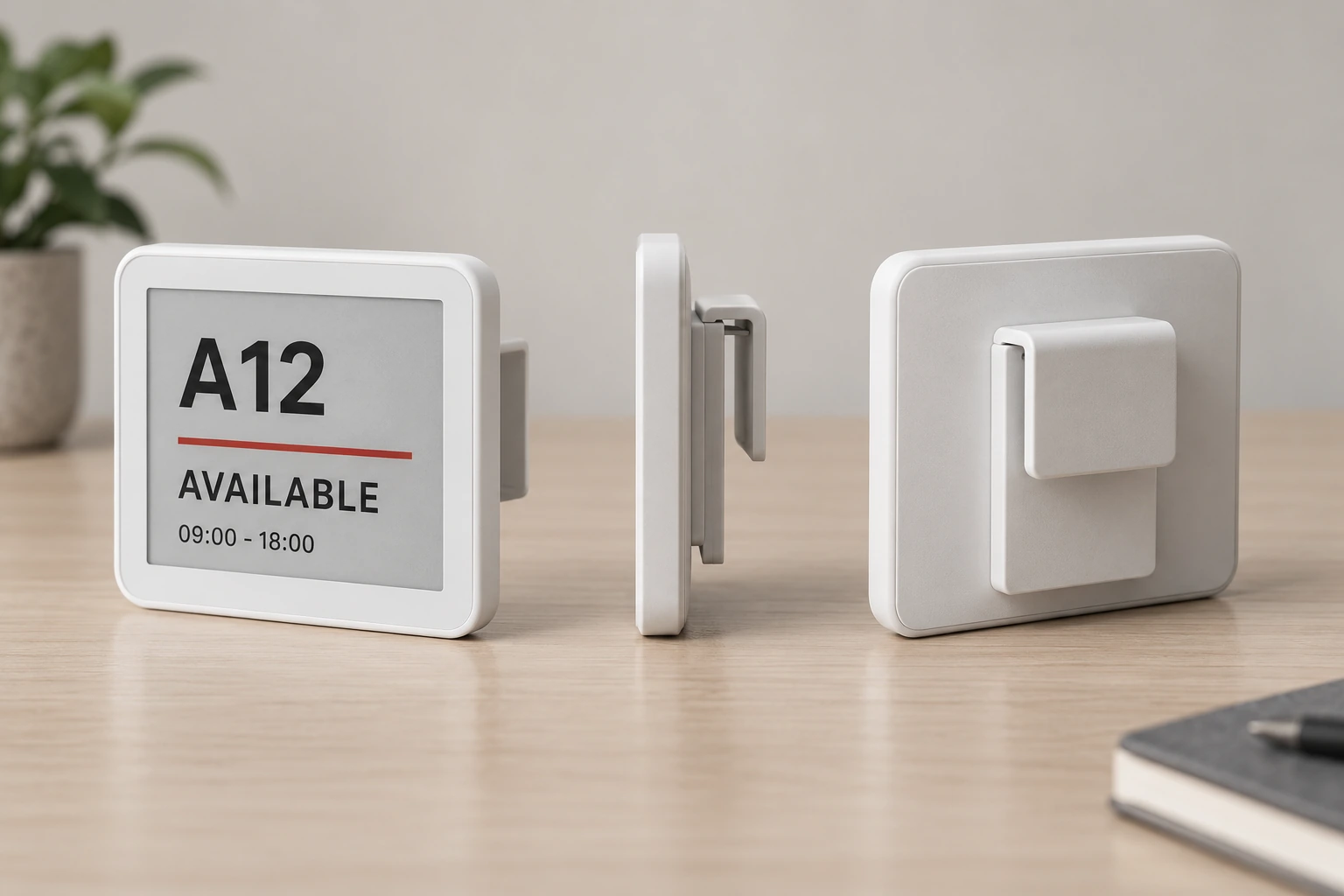
Specify e-paper labels, wireless gateways, occupancy sensors and information kiosks as needed.
Integrate DingTalk, WeCom, Feishu or OA according to account setup, API permissions and project scope.
Mobile access can be arranged through your enterprise platform. Entry points, authorization and hosting are confirmed per project.
Battery-powered options avoid individual mains cables. Battery life depends on model, refresh frequency and conditions.
Configure check-in and release rules first. With sensors, verify coverage and on-site use.
The documented project includes desk and room booking, room panels, meeting controls and environmental information. Photo: on-site information display.
Product resources
PDF