
Airport: room information labels
E-paper room labels from the Baiyun Airport project, showing room information.
E-paper information labels
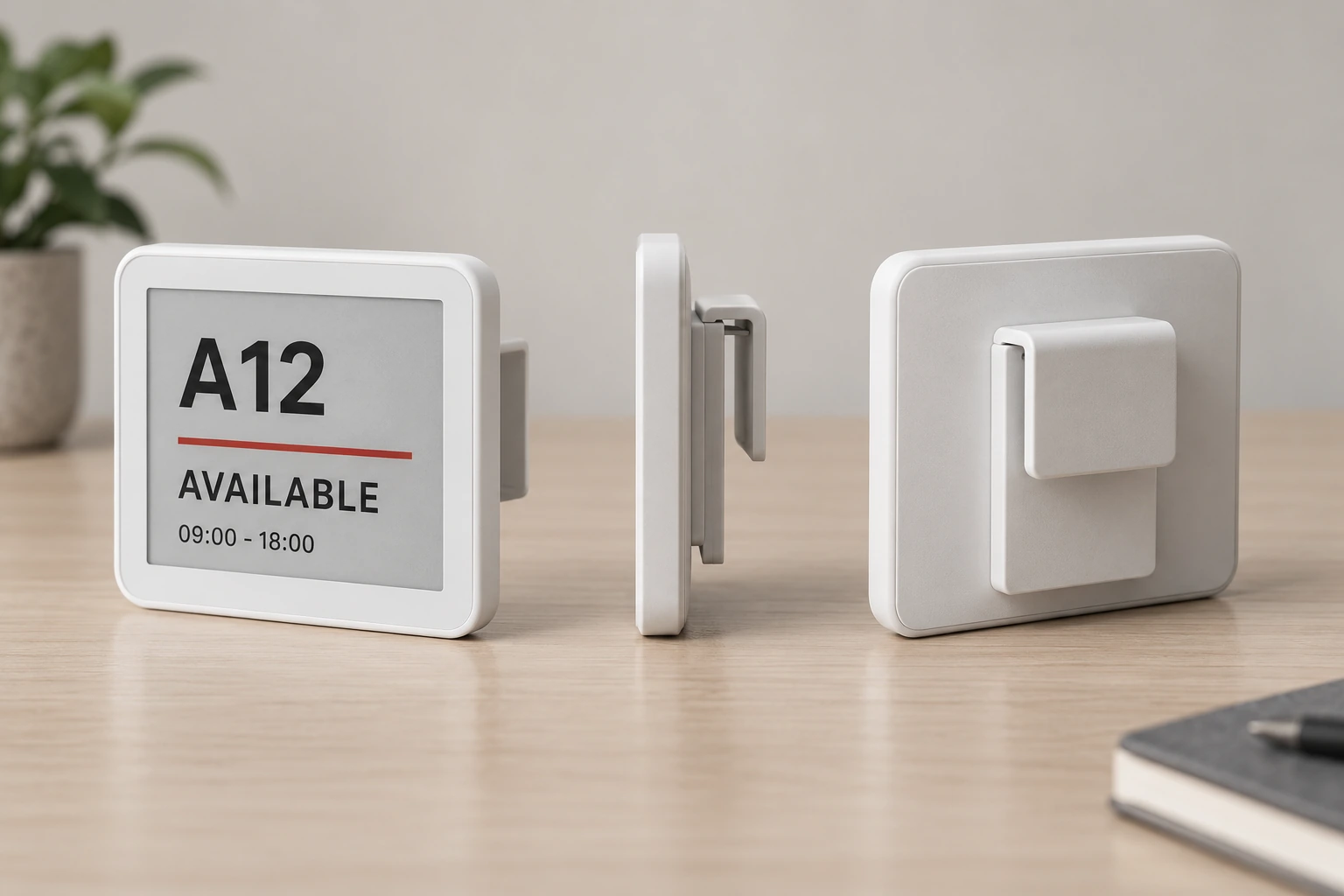
Battery power and wireless updates. Match mounting and content to your site.

Use suitable brackets for desk partitions, room entrances and equipment. Select gateways, templates and update policies per project.
Plan your configurationE-paper room labels from the Baiyun Airport project, showing room information.
Shanghai Xianxia elderly service centre uses e-paper for room information.
Maintenance labels from the Guangxi Liugang Fangchenggang project. Templates, mounting and safety procedures are project-specific.
Confirm size, colours, mounting, battery and protocol for the selected model. Images illustrate the equipment category.
Confirm size, colours, mounting, battery and protocol for the selected model. Images illustrate the equipment category.
Use suitable brackets for desk partitions, room entrances and equipment. Select gateways, templates and update policies per project.
Battery-powered options avoid individual mains cables. Battery life depends on model, refresh frequency and conditions.
 01
01Host the management software and desk booking data.
 02
02Connect the server and wireless gateways within your site network.
 03
03Match the selected device protocol and coverage. 2.4G does not mean standard Wi-Fi.
Product resources
PDF


